Mobile App One app for drivers and managers.

Report incidents, track expenses / incomes, manage handovers, log mileage, routes or maintenance activities, store documents and communicate with your fleet — all from your phone.

The Movcar driver app works alongside the web platform. Fleet managers set up on the web — drivers connect instantly via the app.

Screenshot of Movcar drivers mobile app

Used by 27758 fleets around the world

  • Brand logo
  • Brand logo
  • Brand logo
  • Brand logo
  • Brand logo
  • Brand logo
  • Brand logo
  • Brand logo

238919

Registered documents

27758

Fleets & businesses

1100

Paying customers

Register your vehicle(s)

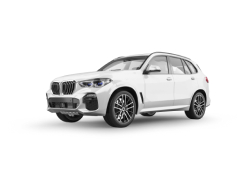
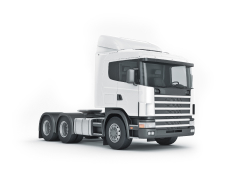
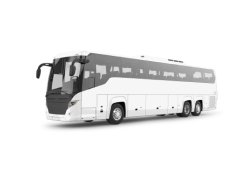
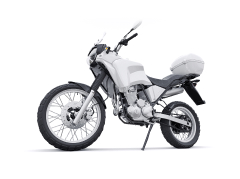
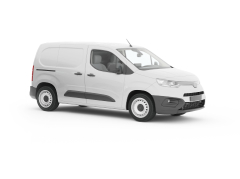
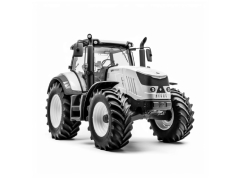
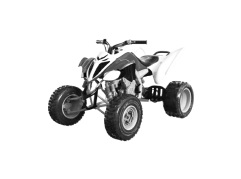
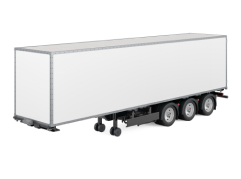
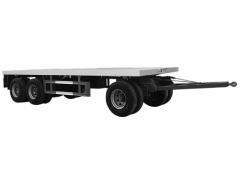
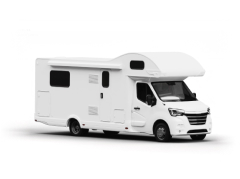
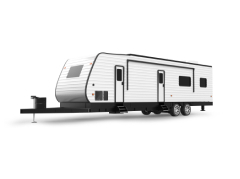
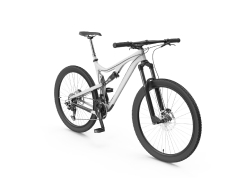
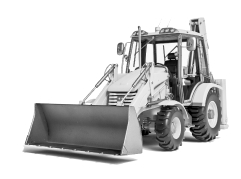
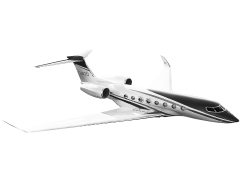
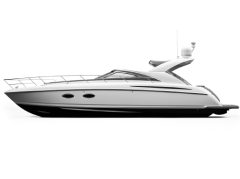
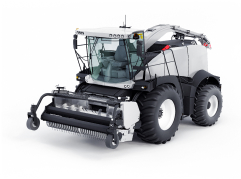
Regardless if you have a car, bus, truck, camper, trailer, ATV or any other type of vehicle or a whole fleet... with Movcar you can keep them all in one place - in the app or in web - as you prefer.

Screenshot of Movcar mobile app vehicle registration feature

Receive reminders

Register standard documents (i.e. MTPL Insurance, Technical Checkup, etc.) or personalized documents - which you can name as you need. Allow Movcar to monitor you expiration dates and get reminders via email or push message so you never miss them.

Screenshot of Movcar mobile app notifications feature

MANAGE ANY VEHICLE

Stay Connected, Stay in Control

With the Movcar mobile app, fleet managers are no longer tied to their desks.

Review vehicle data, track reported incidents, approve requests, and stay on top of operations — anytime, anywhere.
Your fleet in your pocket. Real-time control, wherever you are.

Review. Approve. Act. All from your phone.

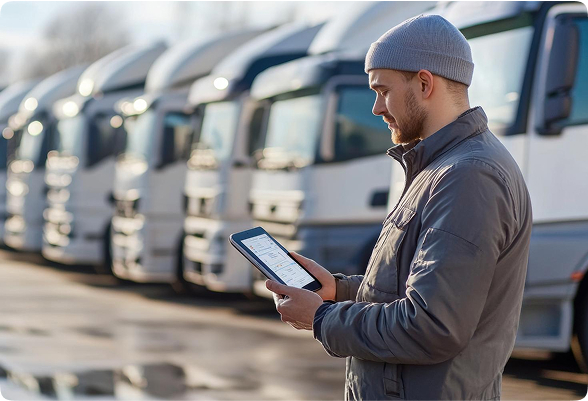
A driver connected to the mobile app using a tablet

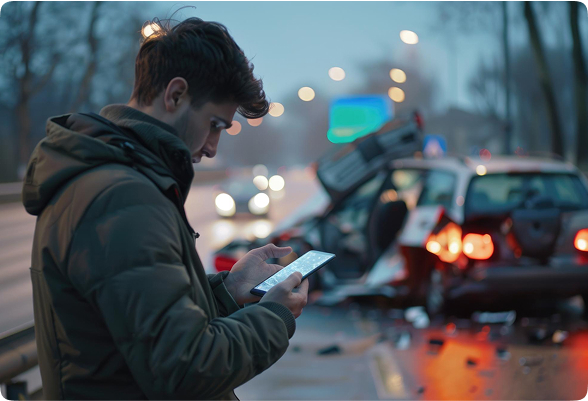
Report Claims Instantly via the Movcar App

Drivers can report accidents directly from the Movcar app — including time, location, photos, and a short description.
A complete PDF report is sent to the fleet manager and saved in the system, keeping all incidents organized for future stats, reports, or claims.

Everything in one place. Fast. Simple. Professional.

A person using a phone to report a claim

Other features

Additional tools that help drivers manage their vehicles, report issues, track expenses, and stay connected — all in one app.
Connect to a fleet

Enter the fleet connection code in the app and gain access to all vehicles and data such as: mileage, costs, revenues, documents, etc. Report claims, use assistance services and other services
Roadside Assistance

Keep your assistance details in the app and request help easily when needed

Track expenses

You can add and track in the app any expenses for your vehicle like insurance, maintenance, taxes, tires and more

Check the history of a vehicle

Together with our partner CarVertical, we offer the service to check the history of a car. Very useful when buying a second-hand vehicle to avoid costly surprises!
Check vehicle here

Personal documents

Personal documents like ID, driver's license, and green certificate can also be kept. Set expiration dates and get reminders to prolong these documents

Vehicle documents

Register and keep in the app as many vehicles and documents as you need.

Report a claim

Prepare a claim file for your insurance company or fleet manager in a step-by-step guided process in just 2 minutes!

Maintenance history

Register every maintenance or repair event and keep track of oil changes, brake replacements, and other aspects.

Manage tires

Register your tires and keep all details like thread depth and usage in the app

Vehicle Transfer

Hand over vehicles paperlessly — drivers and managers sign electronically, damage photos are captured, and a confirmation PDF is sent to both parties automatically. No paper. No disputes.

Routes

Register your trips and routes: business trips, customer visits, service activities or other

Alerts & Messages

Fleet managers send messages to one driver or the entire fleet instantly. Drivers report breakdowns, status updates, or alerts — directly from the app.

Download the Movcar App

Fleet managers review incidents, expenses, and maintenance from anywhere. Drivers report claims, log mileage, and submit expenses in minutes — from their phone. Everything lands in one place, instantly.

Screenshot of a phone running Movcar mobile app

Client Testimonials

Google Rating

4.8

FAQ

  • Do drivers need to create their own account?

    Yes — a free account plus a Fleet Code.

    Drivers create a free Movcar account and then enter the Fleet Code provided by their fleet manager to connect to their assigned vehicles. The Fleet Code links the driver to the correct fleet instantly.

  • Which plan includes the driver mobile app?

    Corporate plan.

    The full driver mobile app with fleet connection, incident reporting, expense logging, and handovers is included in the Corporate plan. Fleet managers on all plans can use the Movcar mobile app to manage their fleet from their phone.

  • What can drivers do in the app?

    Report, log, and communicate — all from their phone.

    Drivers can report incidents and accidents with photos, log expenses, record mileage, register routes and trips, complete vehicle handovers with e-signature, and receive push messages from the fleet manager — all from their phone.

  • Is the app available on both iOS and Android?

    Yes — App Store and Google Play.

    The Movcar driver app is available on the App Store (iOS) and Google Play (Android). Download free from either store.

  • Does the app work without a web platform account?

    No — the web platform comes first.

    The driver app works alongside the Movcar web platform. The fleet manager sets up the fleet on the web first — drivers then connect via the app using their Fleet Code. The app without a web account has no fleet data to connect to.

  • What languages is the app available in?

    26+ languages.

    The app is available in 26+ languages — the same as the web platform. Language switches automatically based on the device language setting.

  • Yes — a free account plus a Fleet Code.

    Drivers create a free Movcar account and then enter the Fleet Code provided by their fleet manager to connect to their assigned vehicles. The Fleet Code links the driver to the correct fleet instantly.

  • Corporate plan.

    The full driver mobile app with fleet connection, incident reporting, expense logging, and handovers is included in the Corporate plan. Fleet managers on all plans can use the Movcar mobile app to manage their fleet from their phone.

  • Report, log, and communicate — all from their phone.

    Drivers can report incidents and accidents with photos, log expenses, record mileage, register routes and trips, complete vehicle handovers with e-signature, and receive push messages from the fleet manager — all from their phone.

  • Yes — App Store and Google Play.

    The Movcar driver app is available on the App Store (iOS) and Google Play (Android). Download free from either store.

  • No — the web platform comes first.

    The driver app works alongside the Movcar web platform. The fleet manager sets up the fleet on the web first — drivers then connect via the app using their Fleet Code. The app without a web account has no fleet data to connect to.

  • 26+ languages.

    The app is available in 26+ languages — the same as the web platform. Language switches automatically based on the device language setting.

Start managing your fleet today.

Set up your account on the web. Your drivers connect via the app instantly.

WhatsApp Contact